So I’ve just recently transitioned over from using a PC to using a mac for development. (I like developing on a mac a lot better) One of the first things I noticed though, was that git wasn’t autocompleting for me when I was working locally. I’m used to just ssh-ing in to servers and git just always would autocomplete. Not so with iTerm, so I went to the internet to find out how to fix this.
I found a couple of posts on Stack Overflow, outlining how to use brew and git bash-completion and tried those out with no success. I did learn about .zshrc and .bashrc and some other config files, so it wasn’t a complete loss.
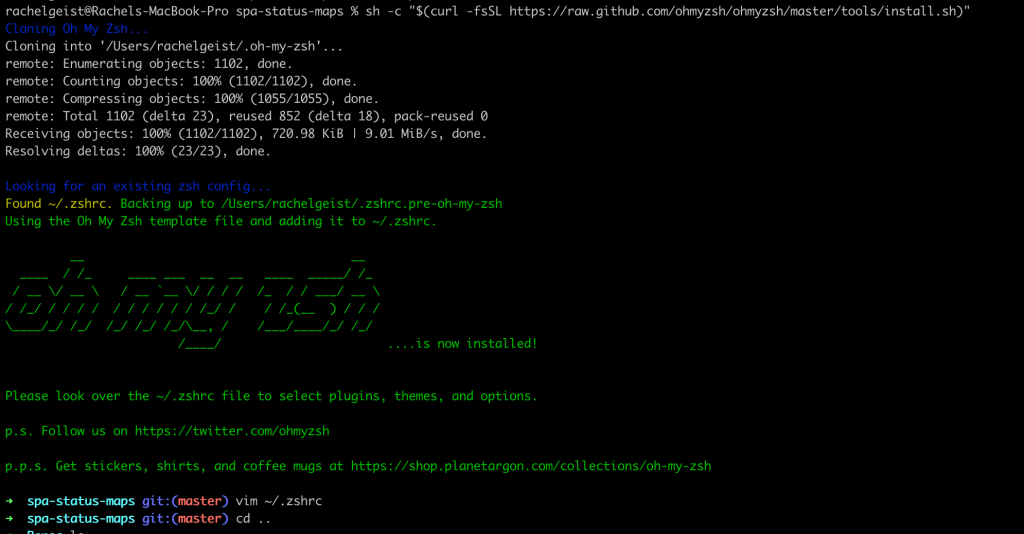
In the end, I got a tip to try Oh My Zsh. I installed it via curl as directed on their homepage and there you go. I could tab out all my git commands without having to edit bash_completion.d or any other file. There’s lots of plugins you can install and git came installed by default.
If I wanted to add more plugins, I’d just edit my ~/.zshrc file and add them as plugins. Super fast and super easy.
I will say that if you want to also install the Docker plugin, there’s currently a bug with installing that one. To get that to work remove the zcompdump file in your home directory and then restart iTerm.
rm ~/.zcompdump-[DEVICE NAME]-[Numbers]-Rachel
 Rachel Geist